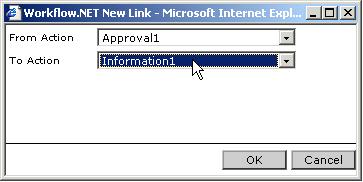
Property settings for Link Action
To link an action to the workflow click on the Link button in the toolbox. A window pops up (Fig 1.), with two dropdowns. In the From Action dropdown, you can select the action to be linked. In the To Action dropdown, you can select the action in the workflow to which the first action should be linked. After specifying the link click on the Ok button to close the window.