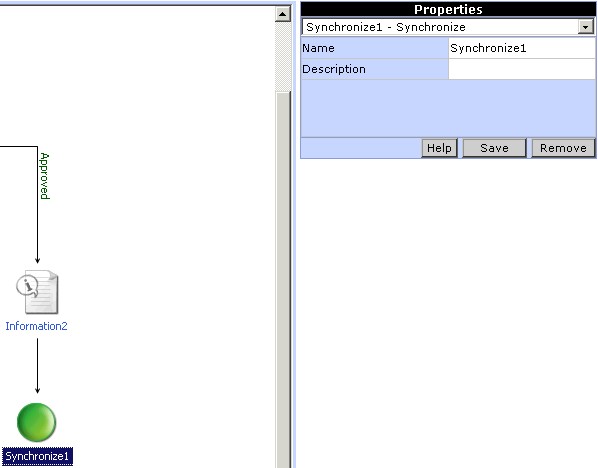
Property settings for Synchronize Action
To add the Synchronize Action to the workflow click on the Synchronize Action button in the toolbox. An icon for the Synchronize Action will be added in the Design Area. The action can be linked with the workflow by clicking on the Link button in the tool box. To set the properties for the Synchronize Action click on the Synchronize Action icon in the Design Area. The properties corresponding to the Synchronize Action will be dislayed in the Properties pane of the Process Designer. In this section, enter an appropriate name and description for the action.